The RMT has a new third-party administrator: Benefit Programs Administration, or BPA for short. BPA took the reins on April 1.

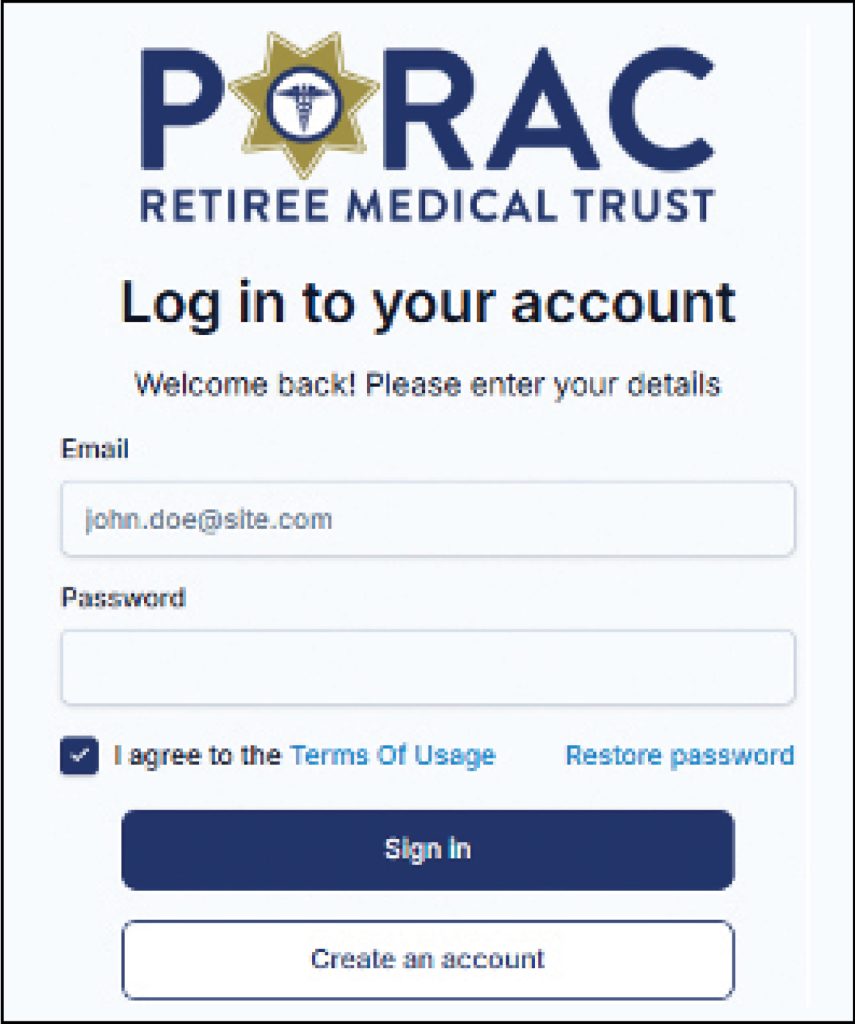
Most everything with the RMT will remain the same. However, a few changes are simply unavoidable. One thing that every participant will need to do is re-register their online account with us. This will be necessary for everyone, regardless of whether you were previously registered on the SIMON portal.
Re-registering is very easy. Go to our website at poracrmt.org. At the top right, click the Member button. That will take you to the User Registration page.
Fill out the entire form, including creating a password of your choice (a minimum of eight characters). After completing the form, agree to the Terms of Usage and click the Send button. The system is fully automated and includes two-factor authentication (2FA). If the personal information you provide matches what we have on file, you will be sent an email link to proceed to the sign-in page.
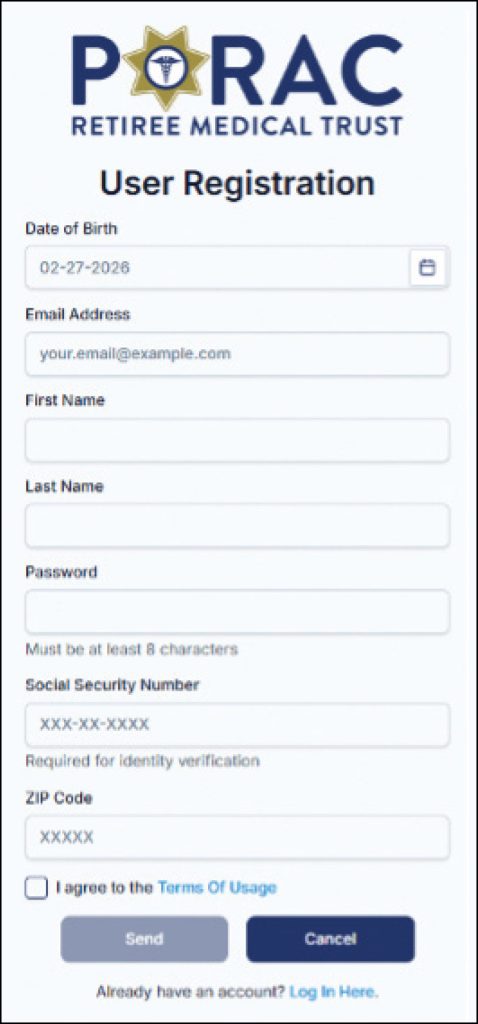
The registration process is fairly simple and straightforward. However, if for some reason it doesn’t work for you, it will be necessary for you to reach out to the BPA office. They will work through the issue and get you properly registered.
Here is the BPA’s contact information:
PORAC RMT
1200 Wilshire Blvd., 5th Floor
Los Angeles, CA 90017
Phone: (877) 808-5994
Fax: (562) 463-5894
Email: PORACRMT@bpabenefits.com
Perfection may be difficult to achieve, but success is attainable, and that is our goal.
If you have any questions or concerns, please feel free to contact me or Field Consultant Earl Titman. Our contact information is listed on this page.